Share, scan or just type it
From Mail, Files, the camera, Shortcuts or the Action Button. No receipt? Log the expense in seconds.
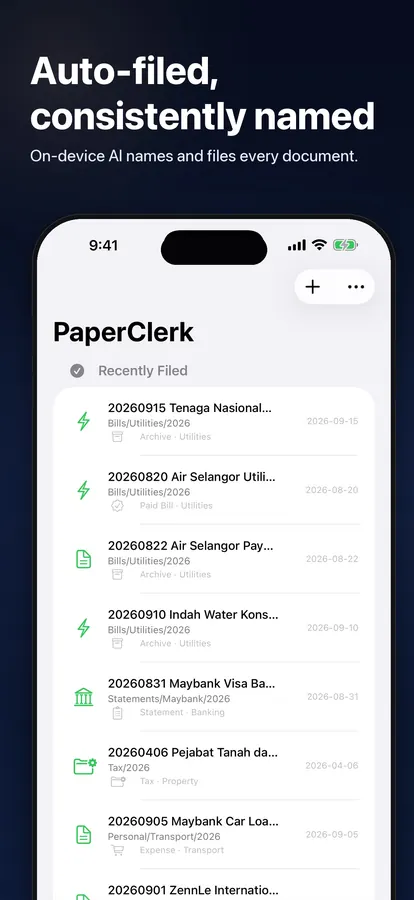
Snap or share a document. PaperClerk reads it on your device, names it, files it into your folders and reminds you what still needs paying or claiming.
Free to start · Pro is optional · Available in 12 languages
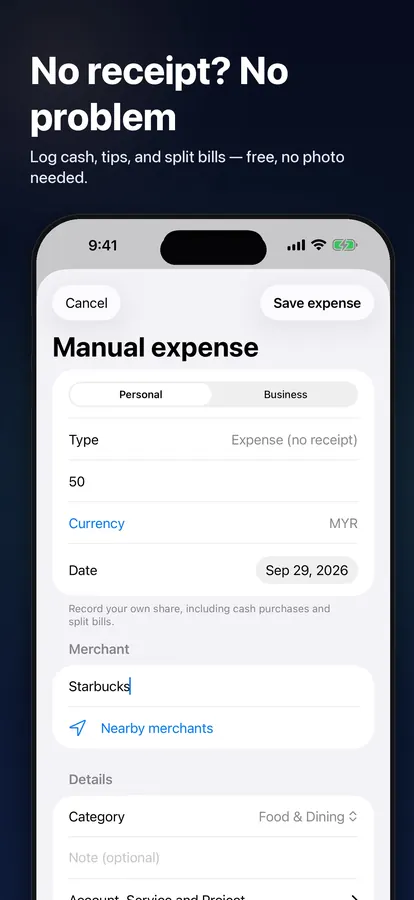
From Mail, Files, the camera, Shortcuts or the Action Button. No receipt? Log the expense in seconds.
Provider, date, amount and reference are read on your device. You confirm or correct them next to the original.
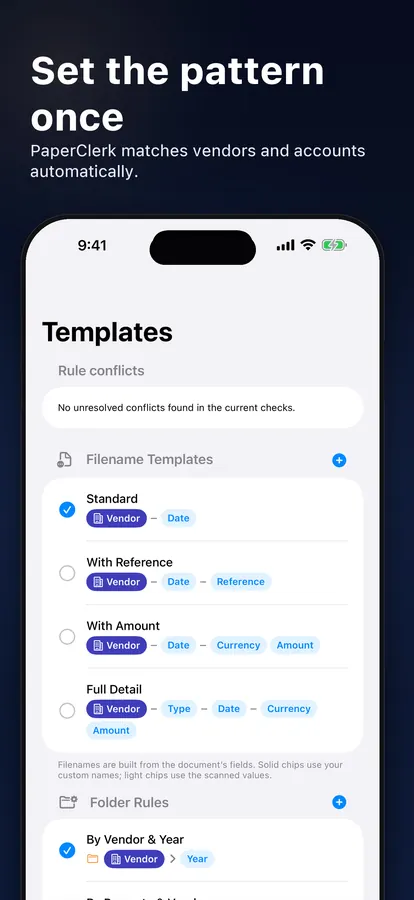
Templates name every file the same way and rules drop it in the right folder — then it waits in Need Action until it’s paid or claimed.
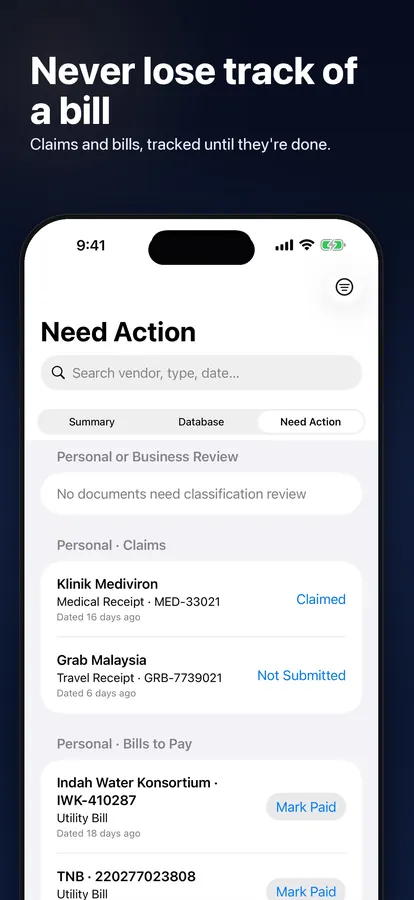
Need Action keeps unpaid bills, unsubmitted claims and open business actions in one place. Mark them Paid, Claimed or Done when you finish.
Build a filename from chips like provider, type and date, choose a folder pattern, and match rules apply it to the next document from the same provider.
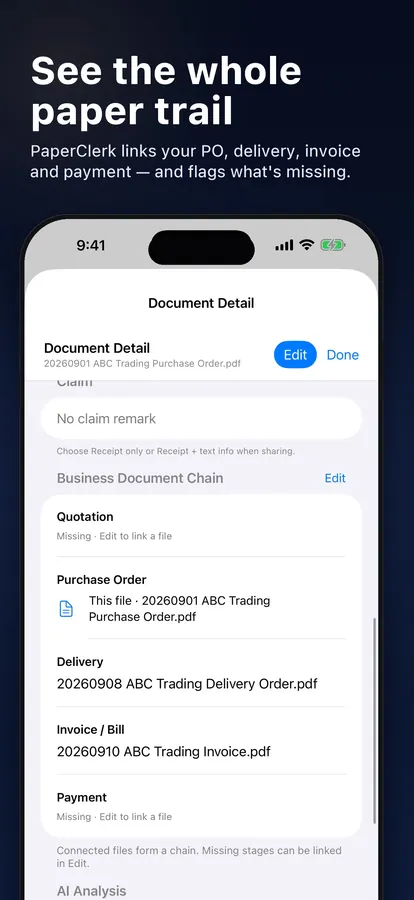
PaperClerk suggests related business documents from their printed references. You confirm the link; both files stay where they are.
Text is read on your device with Apple Intelligence. No account and no upload to our servers.
Record cash, tips or your share of a split bill without a photo.
Foreign amounts are converted using the document’s date, and the original amount is kept. Pro.
Share sheet, Home Screen menu, Shortcuts and the Action Button send documents straight in.
Share one receipt with its details, or export CSV, SQLite or a ZIP of the original files.
One library across your devices with iCloud sync. Pro.
 ▶
▶From your first filed receipt to match rules and exports. Every answer jumps straight to the moment in the video — in your language.
Browse tutorialsPro is monthly, yearly or a one-time purchase. Your local price is shown in the App Store.
No. Text is read on your device with Apple Intelligence and Vision, and there is no account. Optional iCloud sync (Pro) uses your own iCloud.
iPhone, iPad and Mac that support Apple Intelligence.
Yes. Need Action lists unpaid bills, unsubmitted claims and business actions until you mark them done.
Add the expense directly with its amount, provider and category. No photo is needed.
Yes, the free plan includes 20 smart extractions a month and unlimited templates and folder rules. Pro adds unlimited extractions, currency conversion, iCloud sync and full exports.